Turn Maven's charts and reports into dashboards
We’re back with another Usermaven update, bringing new ways to turn Maven AI insights into dashboards, share reports, and manage your Agents.
You can now save Maven AI-generated charts and reports directly to your dashboards and share Agent reports with anyone through public links. This release also introduces Google Ads Enhanced Conversions for Leads, LinkedIn ad tracking checks, more control over AI bot traffic, and several improvements across the platform.
Here’s everything new in Usermaven.
📊 Save Maven AI charts and reports to your dashboards
You can now open Maven AI-generated charts and reports, explore them in detail, and save them directly to your dashboards.
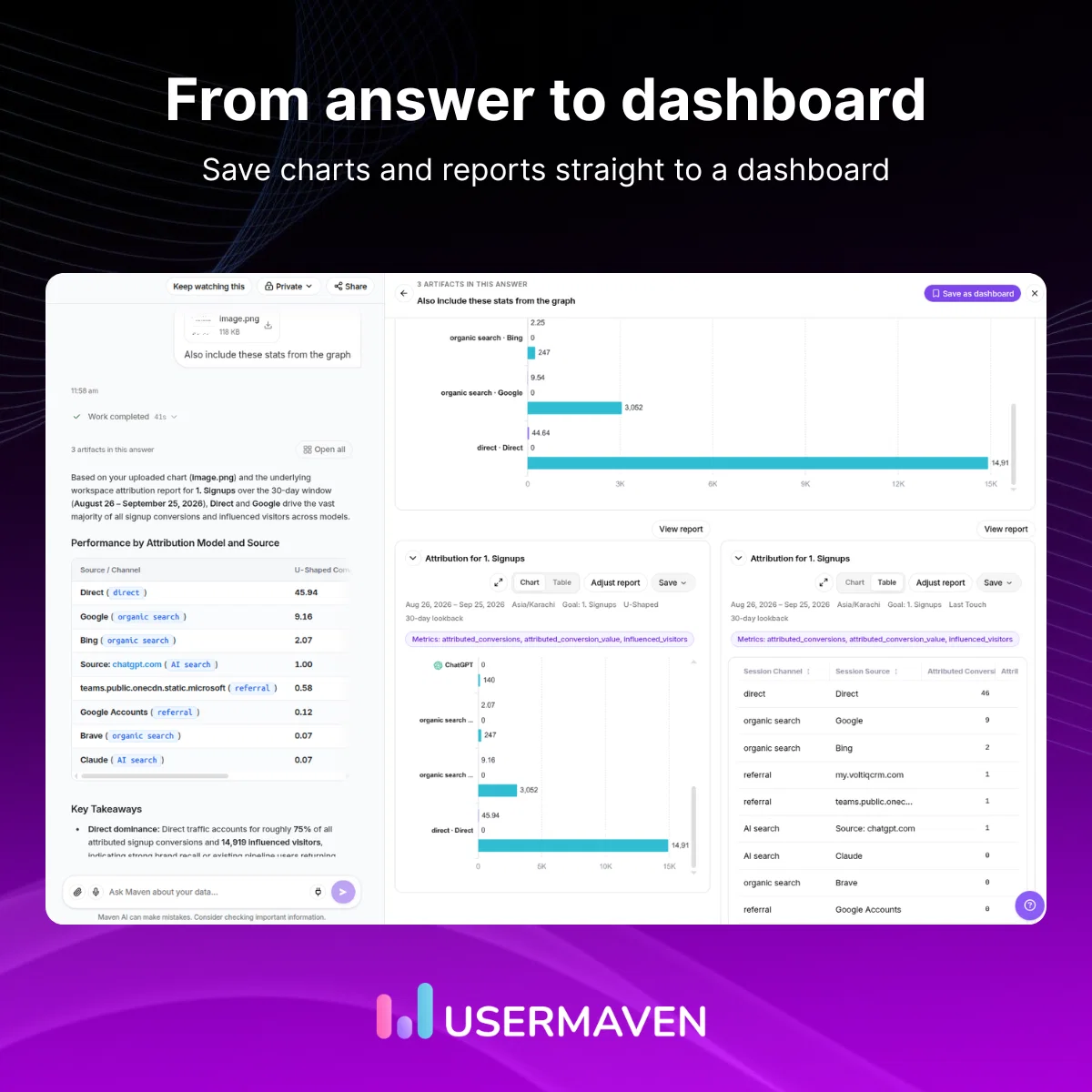
- Preview results: View charts and reports as cards directly in your conversation.
- Explore in detail: Open charts and reports in a side panel without leaving the chat.
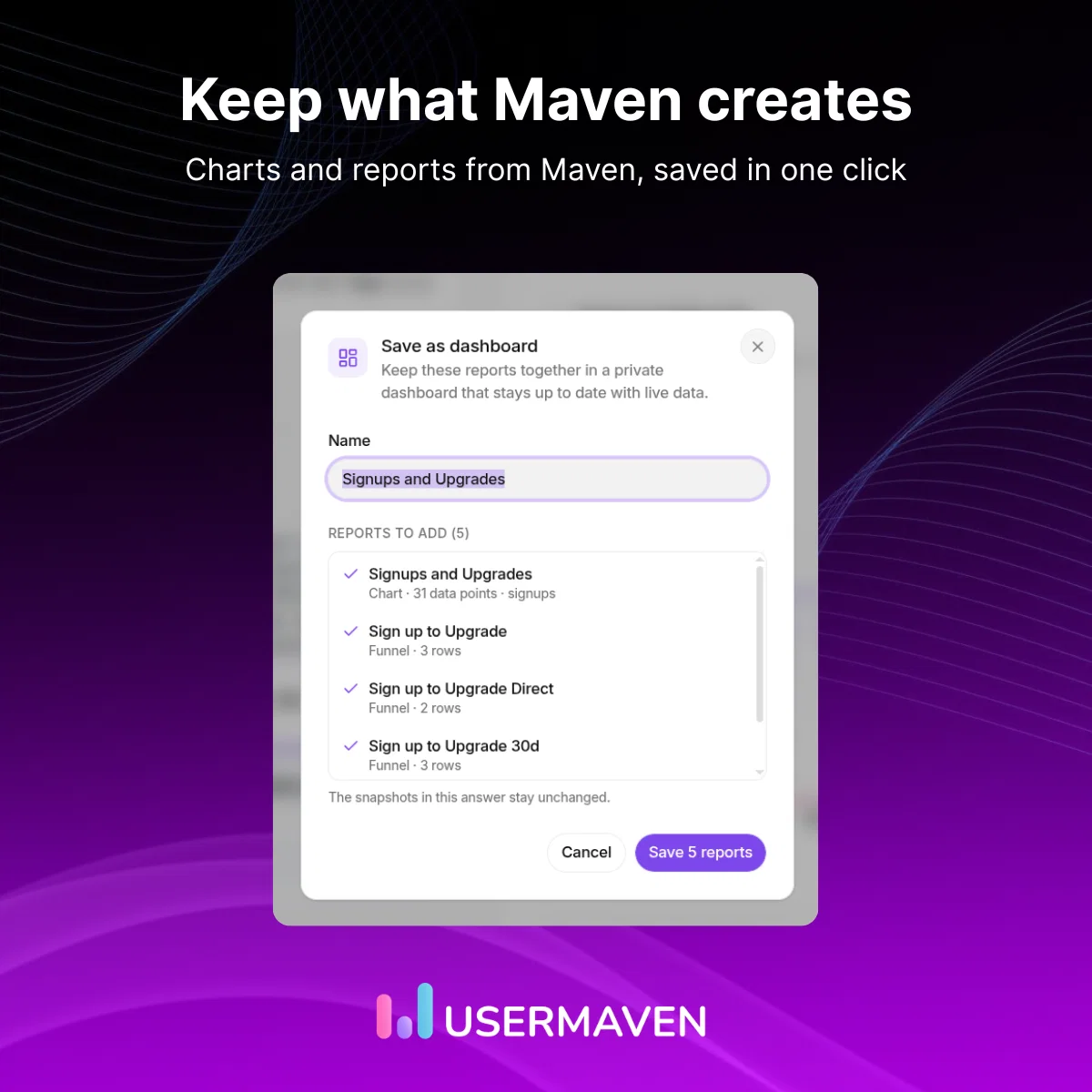
- Save to dashboards: Add individual results or create a dashboard with all reports from an answer.
- Ask with context: Ask Maven now uses your current page and session to understand follow-up questions.
- Understand attribution: See which attribution model Maven AI used to assign conversion credit.
Dashboard names are suggested automatically, and you can edit them before saving.
🔗 Share Maven AI reports beyond your workspace
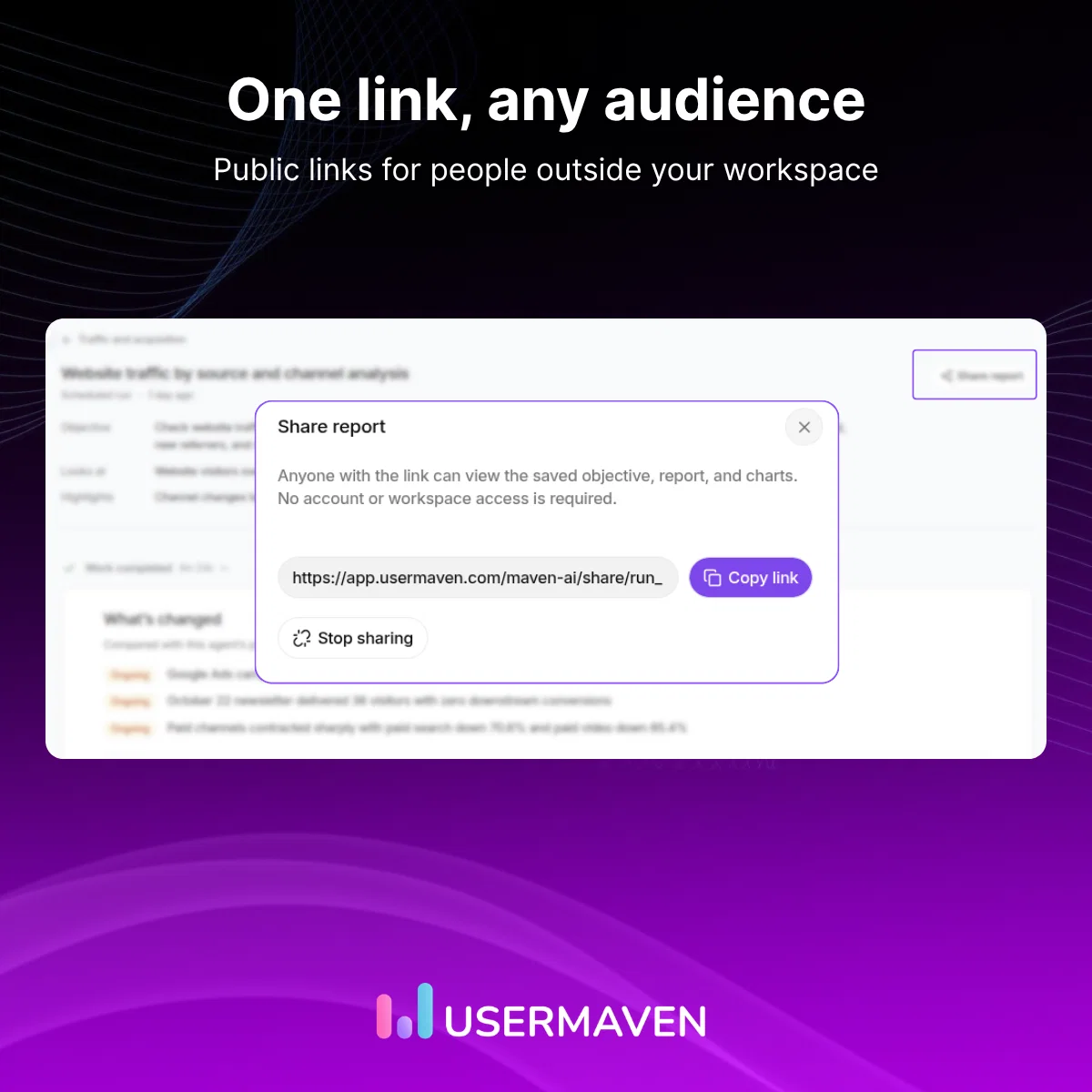
You can now share Maven AI findings with teammates, clients, or anyone outside your Usermaven workspace, even if they don't have an account.
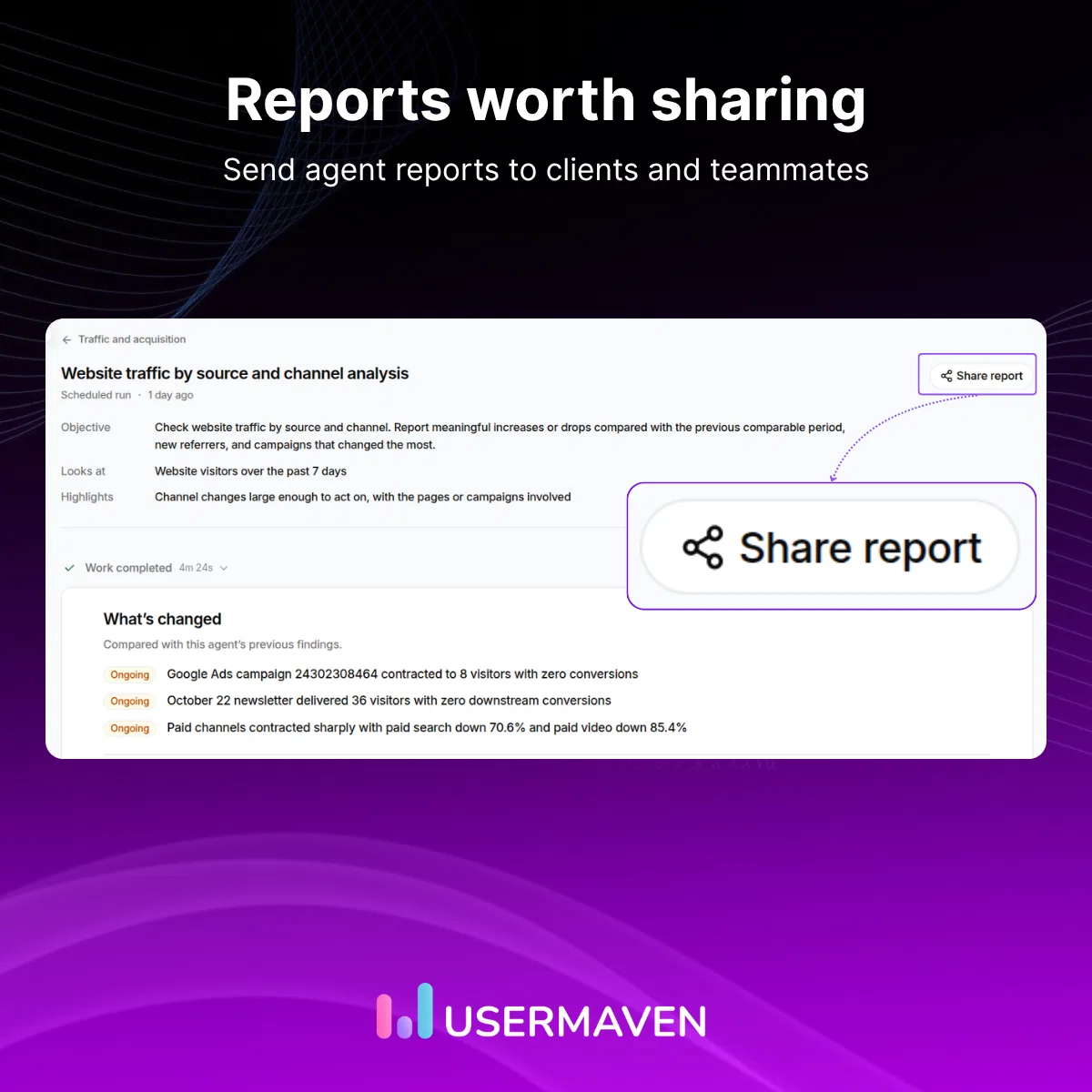
- Share Agent reports: Publish reports as snapshots with public links you can disable anytime.
- Get branded previews: Shared links display branded preview cards in Slack, email, and social apps.
- Copy findings to AI tools: Use the dedicated panel to copy findings in a format suitable for other AI tools.
- Share private chats: Chat owners can now share private Maven AI conversations with simpler controls.
- Preserve report details: Shared reports retain their original dimensions and change values.
🤖 Manage Maven AI Agents more easily
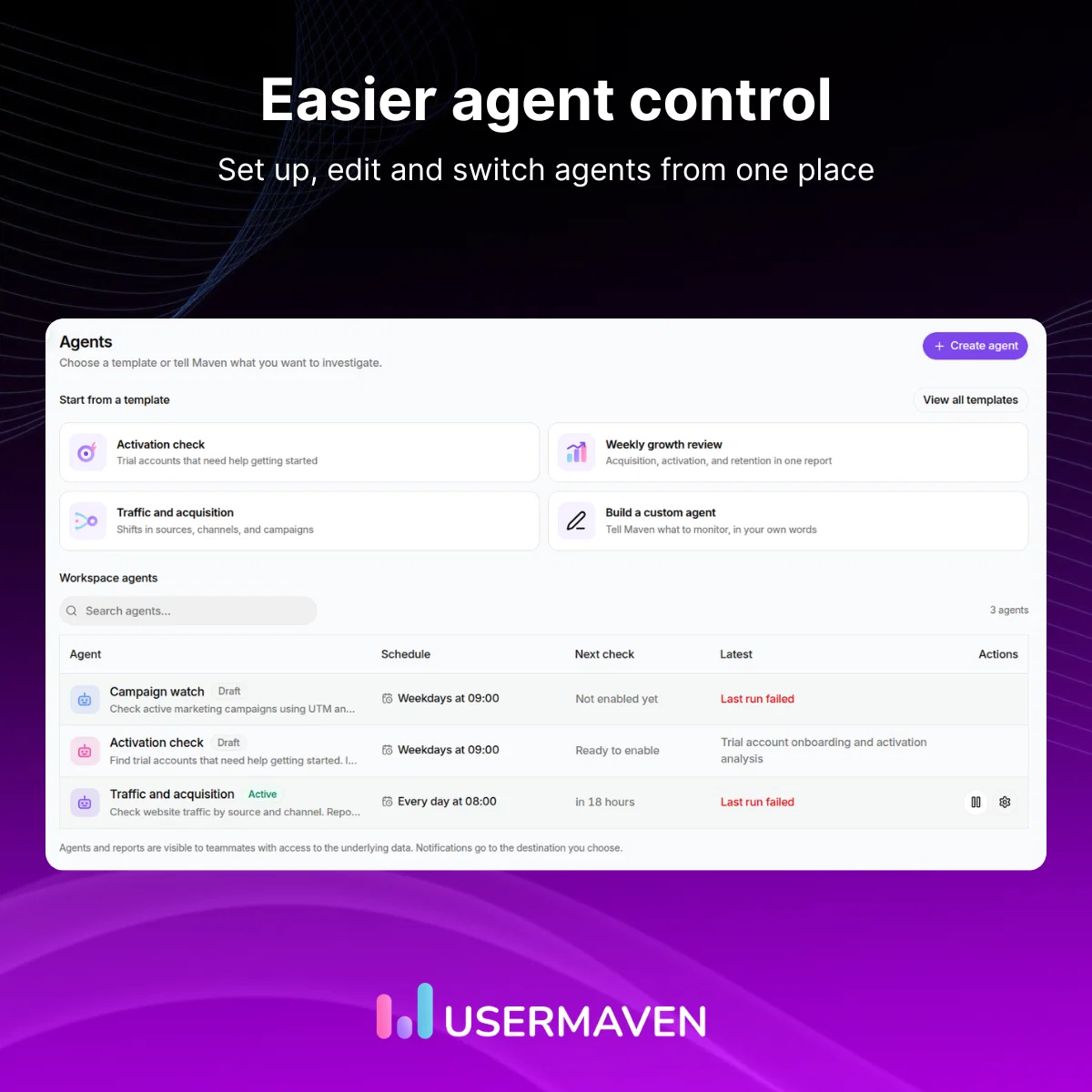
Setting up and managing Maven AI Agents is now simpler, with quicker access to schedules, settings, and delivery options.
- Quick Agent controls: Turn Agents on or off and open their settings directly from the list.
- Organized settings: Manage What to watch, When to check, and Where to send updates in a side panel, with a save bar for unsaved changes.
- Faster editing: Use the Edit links under Schedule & Delivery or What Maven Watches to open the corresponding settings section.
📈 Better conversion matching for Google Ads
Usermaven now supports Google Ads Enhanced Conversions for Leads, helping Google match lead and CRM conversions to ad interactions more accurately and improve campaign optimization.
- Account-level controls: Enable or disable enhanced conversions for each connected Google Ads account.
- Clearer sync history: Distinguish skipped conversions from failures with easier-to-understand error messages.
- Improved sync visibility: View conversion syncs even when account settings fail to load.
- MCC account fixes: Google Ads accounts under a manager (MCC) account now connect and refresh correctly.
🔍 Catch LinkedIn ad tracking issues earlier
Usermaven's Measurement Trust Center now checks LinkedIn ads for tracking issues alongside Google and Meta, helping you identify problems that could affect visit and conversion attribution.
- LinkedIn tracking checks: Detect potential tracking issues in your LinkedIn ads.
- Consistent reporting: Review LinkedIn tracking using the same ad URL header and report drawer as Google and Meta.
- Relevant alerts: Tracking checks and the ad URL banner now focus on recently active ads, so older paused ads no longer trigger warnings.
🤖 More control over AI bot traffic
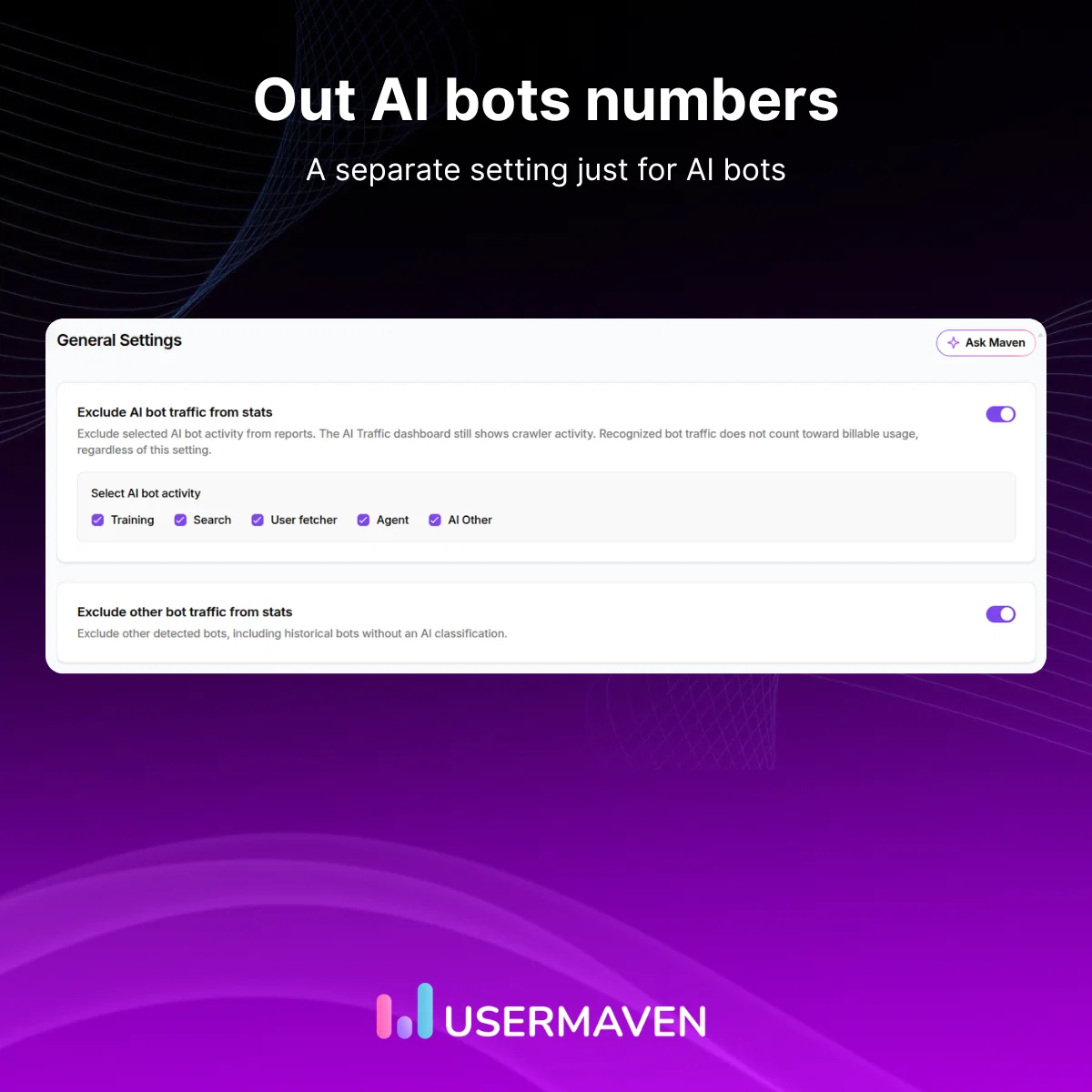
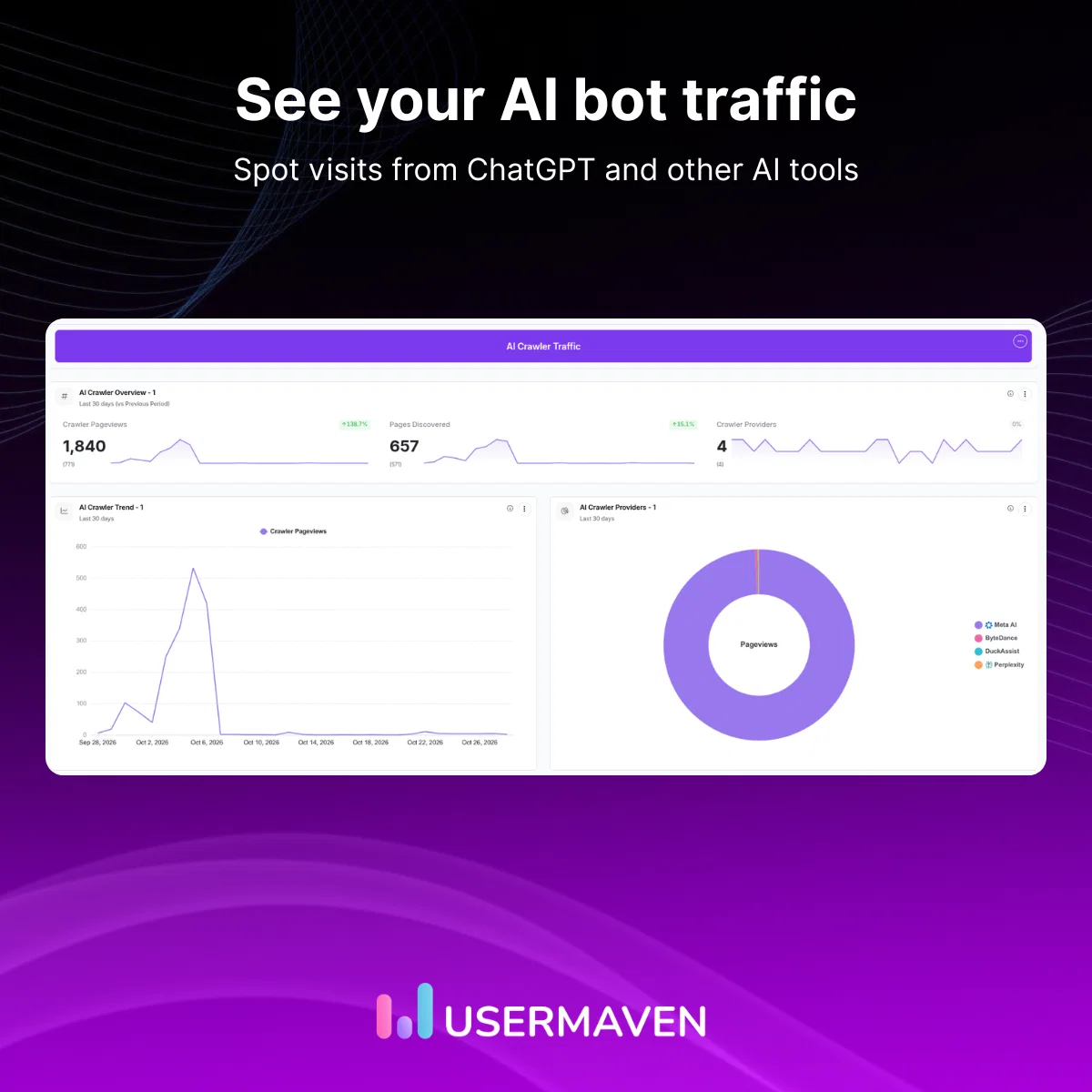
Usermaven now lets you identify AI bot traffic separately and choose whether to exclude it from your analytics.
- Separate bot controls: AI bot traffic now has its own exclusion setting, while the existing setting is renamed Other bots.
- Detailed traffic breakdown: Dashboards show AI bot traffic by bot name and category, with AI categories labeled in charts.
🛠️ Fixes and improvements
We've also shipped several fixes and improvements across analytics, integrations, and data syncing.
- Direct page links: Open pages from Top pages and page details, even across multiple tracked websites, with links that remain visible on long page paths.
- Better event views: See activity in a bar-style column and choose which columns appear on event pages.
- Contacts CSV exports: CSV exports preserve selected rows and include only visible columns.
- MCP conversion goals: Pageview conversion goals created through MCP now retain their complete URLs.
- HubSpot sync fixes: Organic first-touch attribution now syncs correctly, exit counts are accurate, and rebuilt data no longer skips rows.
- More reliable ad syncs: Improved result validation reduces unnecessary retries when syncing ad platform data.
💬 That's all for this release
From saving Maven AI reports to dashboards and sharing Agent findings to improving ad tracking and conversion matching, these updates are now available in Usermaven.
Log in to explore what's new, ask Maven AI a question, and save your first chart or report to a dashboard.
Have feedback or an idea for what we should build next? Share it with our team on the feature request board.